
3 Lessons I Learned Teaching Myself n8n (And Why I'm Glad I Did the Hard Thing)
I tried to automate my YouTube thumbnails. Here's what actually happened.

Have you ever looked at a task you do every single week and thought, “There has GOT to be a better way”?
That was me staring at my YouTube thumbnail process.
Every time I published a video, I was manually pulling things together — jumping between tabs, uploading files, repeating the same steps over and over. It wasn’t glamorous. And honestly? It was eating time I didn’t have.
So, I decided to do something uncomfortable. I decided to teach myself n8n.
If you’ve never heard of it, n8n is an automation tool that connects your apps and software so they can “talk” to each other and do repetitive tasks FOR you — without you lifting a finger. Think of it like building a little digital assistant that never sleeps, never forgets a step, and doesn’t need a coffee break.
Sounds amazing, right?
It is. But getting there? That took some lessons.
Here are the 3 biggest ones I learned while building my very first automated workflow.
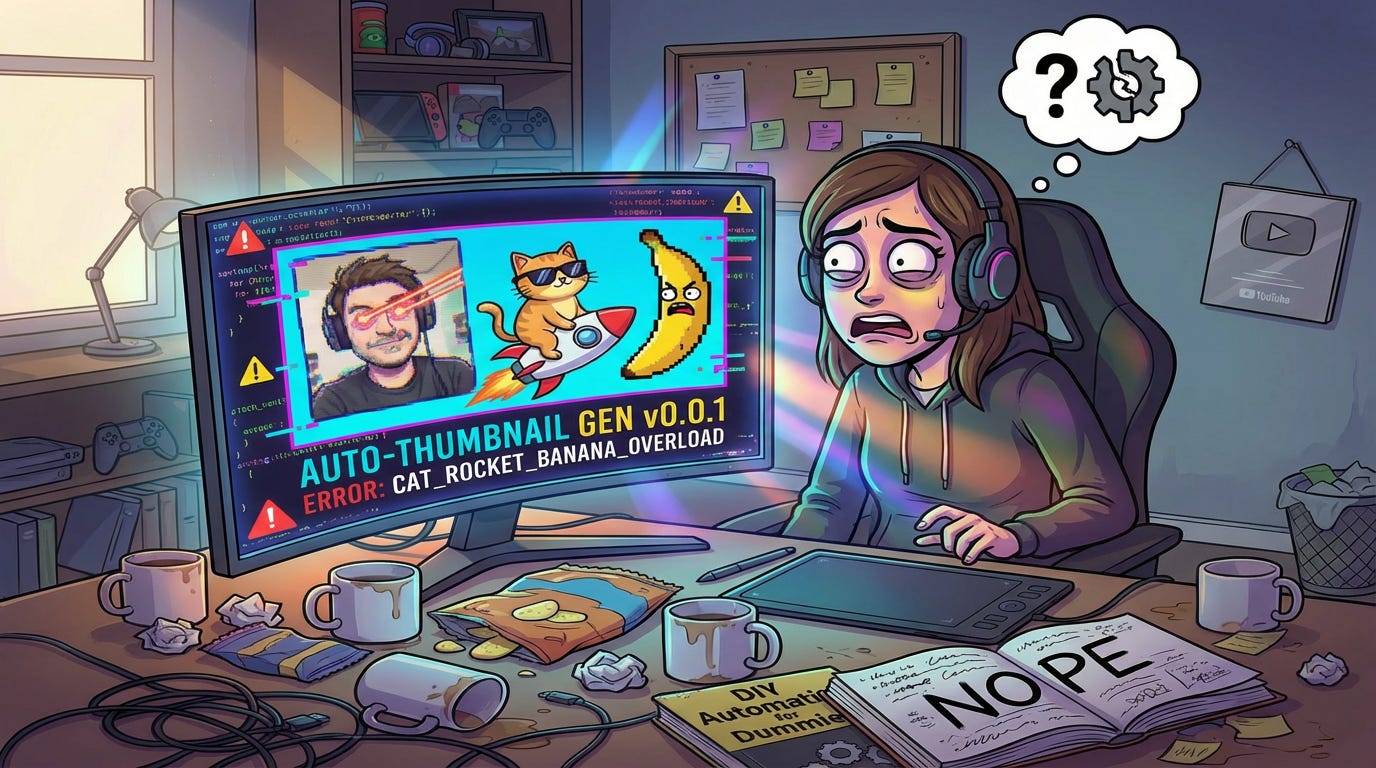
Lesson 1: The discomfort is worth it — once you run the numbers
I want to be honest with you. I did not jump into n8n because it looked fun.
I jumped in because I did the math.
When I added up the time I was spending on repetitive content tasks every week — tasks like creating thumbnails, organizing files, moving information between Google Sheets and Google Drive — I was looking at hours. Not minutes. Hours. Every week.
And time, for us as solopreneurs? Time IS money.
I kept asking myself: What else could I be doing with those hours? Creating new content. Showing up for my audience. Building the next offer. Growing my business.
That’s what pushed me outside my comfort zone and into n8n territory.
Now here’s the growth mindset part I really need you to hear. When you start working with automation tools, you WILL hit walls. I hit them constantly. Connecting Google Sheets, Google Drive, and YouTube to my workflow required something called “authentication” — basically, you have to grant n8n permission to access each app. And figuring out how to do that for THREE different Google tools at the same time?
Trial. And. Error.
There were moments I wanted to close my laptop and pretend I never started.
But I kept going. Because I knew the payoff was on the other side of the frustration. And when that workflow finally came together? The feeling was POWERFUL.
The lesson: Don’t let the learning curve talk you out of a tool that could give you back hours of your life. Run your numbers first. Let the time savings be your motivation when the process gets messy.
Lesson 2: Before you touch the tool, draw it out on paper
This one is the lesson I wish someone had told me on Day 1.
When I first opened n8n, I wanted to just dive in and start connecting things. (Classic move, right?) What I quickly realized is that building a workflow without understanding the logic first is a little like trying to give someone directions to your house without knowing the route yourself.
You will get lost. And then you’ll have to backtrack.
Here’s what actually worked: I grabbed a piece of paper and mapped it out.
What is the STARTING point? (A new video has been uploaded to YouTube)
What needs to happen next? (Pull the video title and details from a Google Sheet)
Then what? (Send the info to a design tool to generate a thumbnail)
Then what? (Save the thumbnail to Google Drive)
When you can see the flow visually — even just in rough chicken-scratch handwriting — suddenly the tool stops being overwhelming. You’re not guessing anymore. You know exactly what you’re trying to build. You’re just translating your paper map into a digital one.
The lesson: Automate the thinking BEFORE you automate the task. A 10-minute sketch on paper can save you an hour of clicking around, confused.
Lesson 3: You do not need to understand everything before you start
This one is for my perfectionists. (You know who you are. 💕)
I spent more time than I’d like to admit convinced that I needed to fully understand n8n before I was “ready” to build anything. I watched videos. I read the documentation. I wanted to feel confident before I began.
Here’s the truth: That confidence doesn’t come BEFORE the doing. It comes FROM the doing.
You don’t need to know every feature of n8n to build your first workflow. You just need to know enough to take the next step. Then the next one. Then the one after that.
My first workflow wasn’t perfect. I haven’t even fully tested it yet, which means there are probably tweaks ahead. But it EXISTS. I built something that, when I hit go, is supposed to connect three different apps and create something I used to do manually.
That’s not a small thing.
And here’s what I want you to take from that: The learning happens IN the building, not before it. Starting messy is still starting. And starting is the only thing that separates the people who have automations working for them from the people who are still doing everything by hand.
The lesson: Give yourself permission to be a beginner. Build the imperfect thing. Learn as you go. That IS the strategy.
Your Next Step (it’s a small one, I promise)
If this sparked something in you — if you’ve been curious about automations but didn’t know where to start — here’s what I want you to do this week:
Pick ONE repetitive task you do regularly in your business. Just one. Write down the steps it takes from start to finish on a piece of paper.
That’s it. You’re not committing to building anything yet. You’re just mapping the logic. And you might be surprised how quickly that map starts to look like a workflow.
n8n has a free version. The community is incredibly helpful. And the feeling of watching something run automatically for the first time?
Worth every frustrating minute it took to get there. ✨
I’d love to know — what repetitive task in YOUR business would you automate first if you could? Hit reply and tell me. I read every response.
♻️And if this changed how you think about trying something new (or about trying automations), hit “Restack” so other creators can consider doing something outside of their comfort zone. ♻️
Walking this path alongside you,
Ana